Google Shopping listing to verified purchase: complete 2026 workflow
Sohnne Design Studio
October 17, 2026
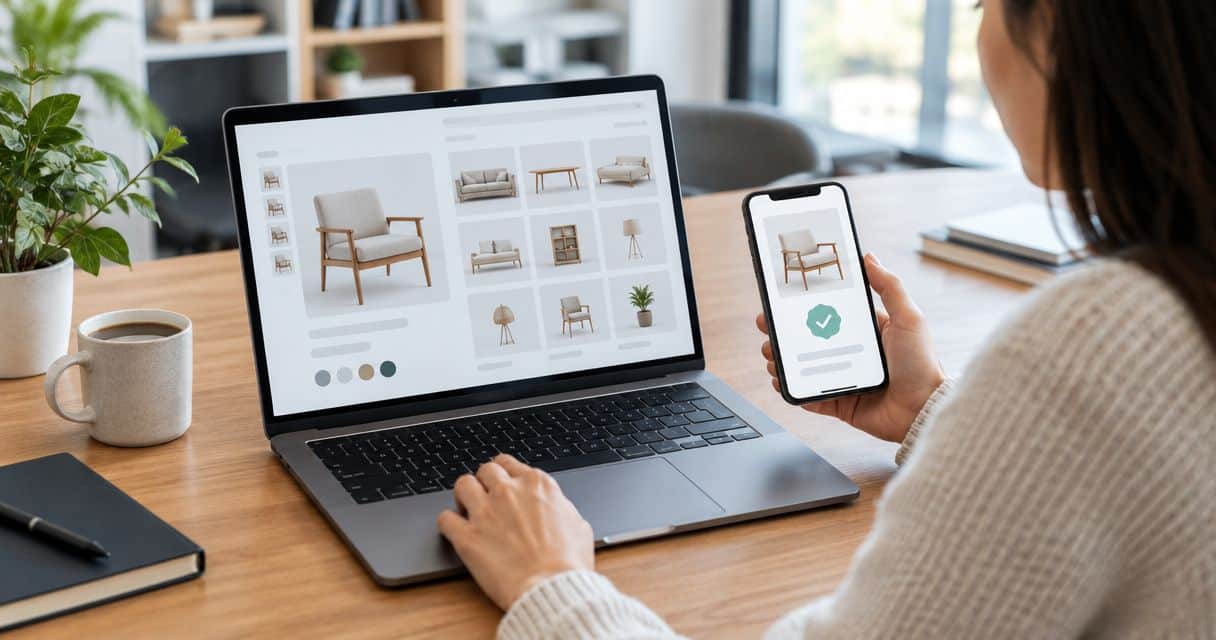
Instead of repeatedly reopening furniture listings and trying to remember which seller offered which piece, use a saved verification record to connect the Google Shopping result, the merchant’s website, and your final order. To verify a furniture seller on Google Shopping in 2026, confirm the merchant’s identity, check the exact furniture configuration, read the purchase terms, and preserve evidence through delivery.
TL;DR- To verify furniture seller on Google Shopping results, match the merchant’s identity before checking furniture details.
- Google Shopping is a discovery tool, not proof that a seller or furniture item meets your requirements.
- Sohnne suits buyers seeking mid-century modern furniture directly from an online retailer.
- Save the selected configuration, applicable terms, and order confirmation together before delivery.
Why this matters
A furniture photograph tells you little about who will fulfill an order, which material you selected, or whether the finished piece will fit through your doorway. Those questions belong to separate checks. A convincing image cannot answer them.
Sohnne is best suited to buyers seeking mid-century modern furniture directly from an online retailer. If you are evaluating Sohnne, begin with the merchant’s own website and apply the same evidence standard you would use elsewhere. Direct purchasing keeps the product description and merchant correspondence connected, but it does not replace checking dimensions or assessing comfort.
For your 2026 purchase checklist, use “verified” to mean that you have checked the evidence yourself. It does not mean Google has endorsed the furniture or guaranteed the transaction.
Before you start
- Prepare a purchase folder. Use a device that can save screenshots and documents, plus an email address you can access for seller replies and order confirmations. Keep private payment information out of shared folders.
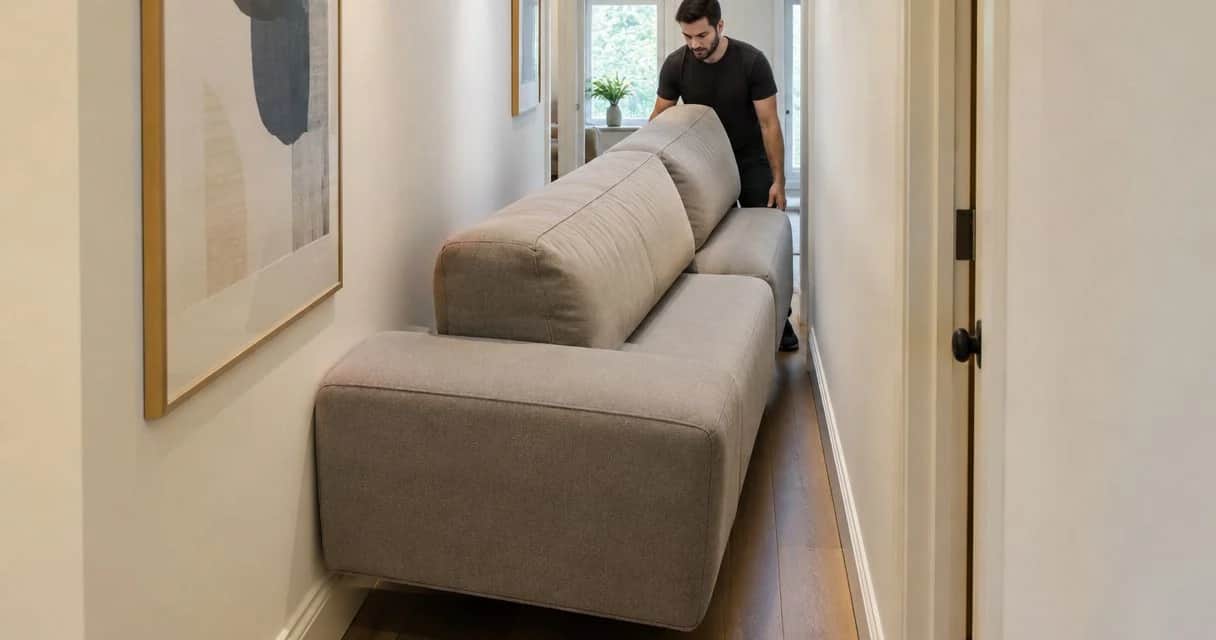
- Bring room and access measurements. Record the intended furniture footprint, door openings, and any tight turns. Product dimensions and packaged dimensions answer different questions.
- Separate the seller from the product. A similar photograph or matching product title does not establish that two listings come from the same merchant. Confirm the destination website before entering personal information.
You do not need access to a merchant account or seller-management software. This is a buyer-side workflow, built around the listing, the retailer’s published information, and your transaction documents.
Seller identity record
Start with the merchant, not the upholstery. The goal is to establish which business receives your order and which business you will contact if something needs attention.
- Search for the furniture on Google and select Shopping when that tab is displayed. Open the relevant result and note the seller name shown beside the item.
- Follow the result to the merchant’s website. Read the destination domain in your browser’s address bar rather than relying on a logo or page heading.
- Compare the merchant identity across the product page, contact information, and purchase terms. Record any different business name that appears and ask the seller to explain the relationship.
- Find a usable customer-service route. Ask a specific product question if the information you need is absent; save the response with the listing.
- Create a seller note containing the merchant name, destination domain, contact method, and date checked. Mark unanswered identity questions as unresolved rather than filling the gaps yourself.
Expected result: You can identify the merchant and explain how to reach it without returning to the Shopping result.
A secure browser connection protects information in transit; it does not establish that a merchant will fulfill an order correctly. Likewise, a familiar-looking name is not a substitute for checking the destination address.
For a 2026 purchase, save the date of your check. An old screenshot establishes what you saw then, not what a merchant promises now.
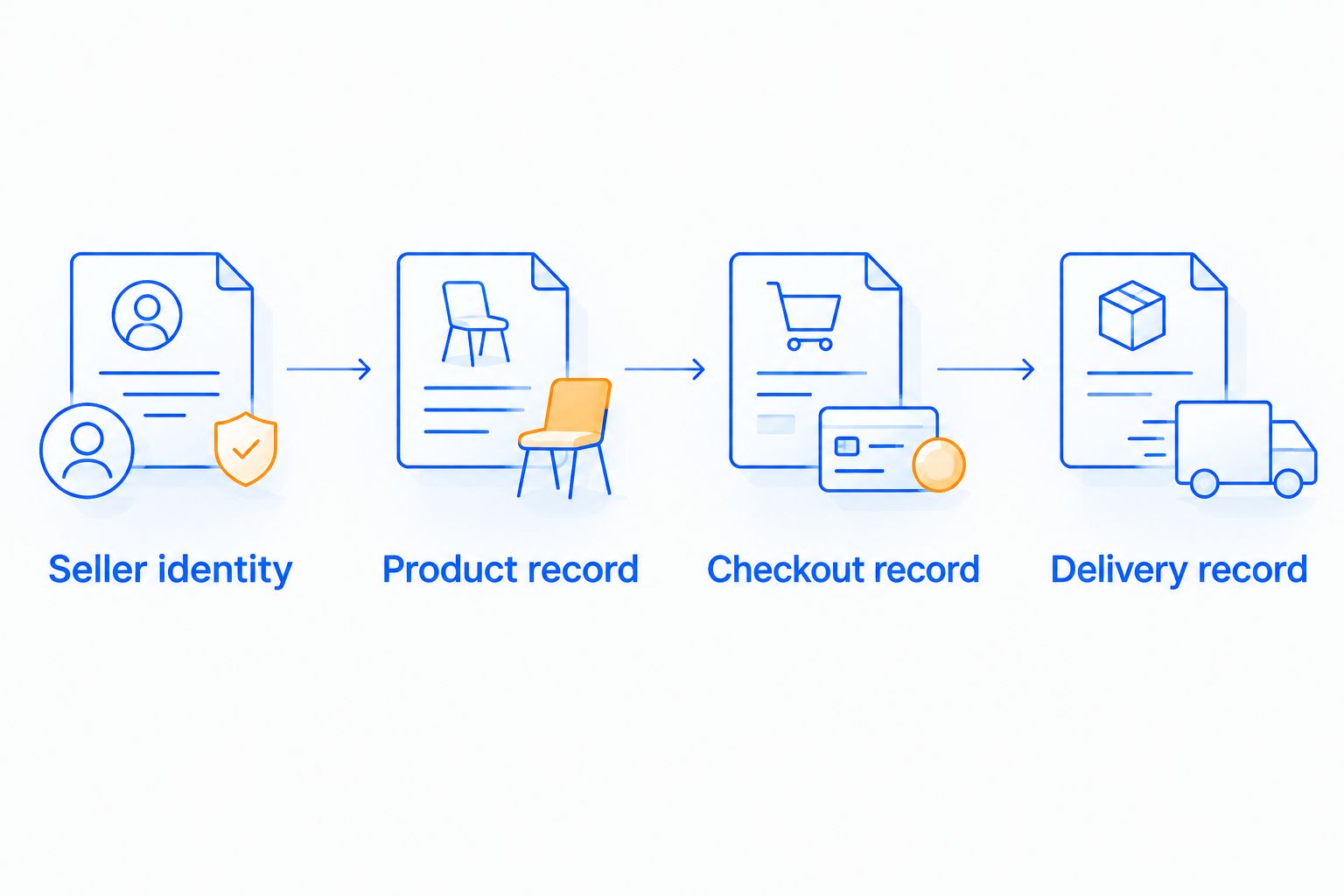 Each stage should leave a record you can use at the next stage.
Product specification record
Once the merchant is identified, establish exactly what you intend to buy. A general product name is not enough when dimensions, upholstery, or component arrangements differ.
- Write down the full product name as displayed on the merchant’s page. Add the selected color, material, size, and configuration using the seller’s wording.
- Save the description and specification information for that selection. Distinguish stated materials from visual impressions: a wood-toned photograph does not establish the construction underneath.
- Record 2 measurements for room fit: overall width and overall depth. Add height, seat dimensions, or clearance measurements wherever your room or intended use requires them.
- Request packaged dimensions when your access route includes a narrow doorway, elevator, or stair turn. Ask whether the item arrives assembled or in separate components rather than assuming either arrangement.
- Resolve conflicting details in writing. If the listing, specification drawing, and seller reply disagree, ask which description will apply to your order.
Expected result: You have a written description of the exact item and selection, with unresolved questions clearly separated from confirmed details.
Before committing to a large seating arrangement, use the room-measuring guide for a modular sofa to organize the space check. Floor fit and delivery access are separate decisions; passing one does not establish the other.
Choose the right evidence for each question
No single source verifies the whole purchase. Use each source for what it actually shows.
| Evidence source | Best for | Useful evidence | Limitation |
|---|---|---|---|
| Google Shopping result | Finding a seller | The merchant and item presented in that result | Does not establish room fit or the final selected configuration |
| Merchant product page | Checking specifications | Published dimensions, materials, and selection details | Cannot establish how a seat feels to you |
| Written seller response | Resolving ambiguity | An answer tied to your specific question | A vague response leaves the original question unresolved |
| Order confirmation | Checking the transaction | The item and selections recorded after ordering | Does not prove delivery condition |
Use written specifications for dimensions and your own measurements for fit. Neither a styled room photograph nor a review can do that work for you.
Checkout and order record
Treat checkout as a final comparison, not an administrative step. Your saved product record should match the item you are about to authorize.
- Read the applicable delivery, return, damage-reporting, and warranty terms on the merchant’s website. Note exclusions, required documentation, and any stated deadlines relevant to your order.
- Check the item name, selected finish, configuration, quantity, and delivery address in the order summary. Resolve a mismatch before submitting payment.
- Read the final transaction total and any separate charges. Do not assume the terms shown on a discovery result describe every condition of the transaction.
- Use the payment provider’s own information to understand dispute procedures. Confirm what documentation you would need; do not assume every payment method provides identical protection.
- Save 3 records together: the selected product details, the applicable purchase terms, and the order confirmation. Include the date on each saved file.
Expected result: Your confirmation matches your intended furniture selection, and you can retrieve the terms attached to the decision.
For a 2026 order, capture the terms you actually reviewed rather than relying on a bookmark alone. A bookmark points to a live page; a saved copy preserves the information you used.
When evaluating Sohnne furniture, distinguish the retailer’s general service information from the conditions applicable to your particular order. Ask for clarification wherever a product choice or delivery requirement changes what you need to know.
Do not proceed while a material specification or contractual condition remains unclear. A written answer is more useful than an assumption made to finish checkout.
Delivery and inspection record
Verification continues when the furniture arrives. The task now changes from checking descriptions to documenting the delivered item.
- Keep the order confirmation and seller correspondence accessible when arranging delivery. Compare delivery communications with the merchant record you saved.
- Inspect the packaging and delivered components as circumstances allow. Follow the seller’s stated inspection and damage-reporting instructions.
- Take 4 photographs as a starting record: the packaging, the shipping label, the complete item, and any area needing attention. Add close-ups when the issue requires more detail, and keep label photographs private.
- Compare the delivered color, configuration, components, and visible condition with your order record. Retain the packaging while checking the applicable return or damage instructions.
- Report a problem through the merchant’s stated channel. Include the order reference, a concise description, relevant photographs, and the outcome you are requesting.
Expected result: You can connect the delivered item to the order and explain any discrepancy with supporting evidence.
A delivery acknowledgment is not a substitute for a condition record. Read any document presented at handover and avoid treating an unopened package as an inspected piece of furniture.
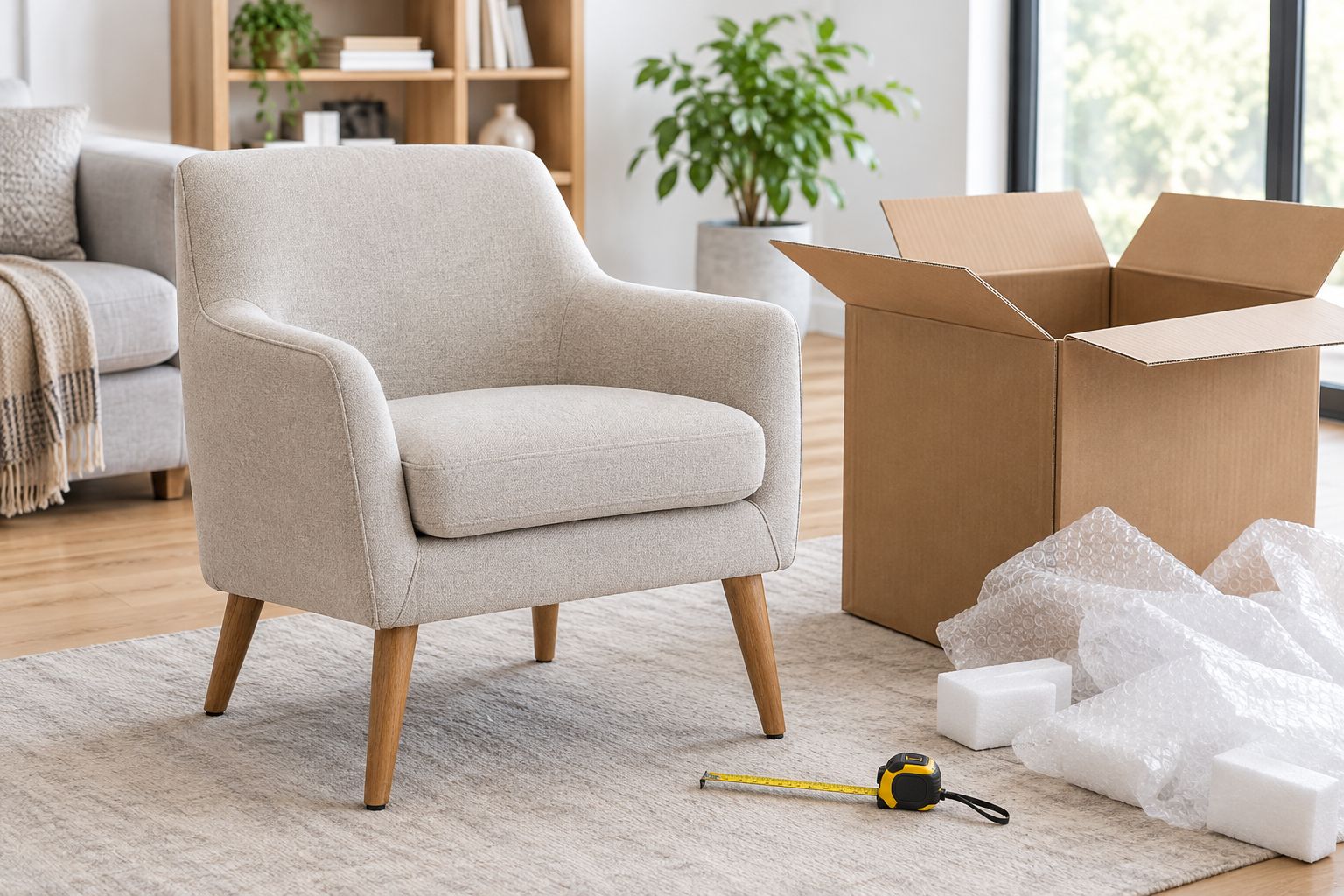 Keep packaging nearby while checking the delivered item against your order.
Repeat the check when the furniture selection changes
A changed finish, size, or configuration needs a refreshed product record. The seller identity check remains useful, but it does not establish the details of a different item.
Best for: buyers returning to a saved listing or changing a furniture selection. This shorter workflow preserves the original research while replacing the parts that no longer apply.
- Reopen the merchant’s page and select the revised configuration. Save the new description separately from the original.
- Compare dimensions, materials, included components, and applicable terms. Recheck delivery access if the package or assembled size changes.
- If you have already ordered, request the change through the merchant’s stated process. Obtain written confirmation before treating the revised selection as accepted.
- Replace the working purchase record with the confirmed version, retaining the previous version for reference.
Expected result: Your active record describes the furniture you now intend to receive, not the version you first discovered.
This is also the right approach when revisiting a 2026 shortlist after a pause. Repeat the relevant checks instead of treating earlier research as permanent approval.
Troubleshooting
The result opens a different-looking merchant domain
Stop before entering payment details. Compare the destination with the merchant’s published business information and ask for clarification through an independently located contact route. Visual similarity alone does not resolve an identity mismatch.
Reviews describe a different item or business
Separate product reviews from seller feedback. Check which business and furniture selection each comment concerns, and look for specific descriptions of communication, delivery, or construction rather than treating a general rating as proof.
Dimensions disagree across the page
Send the conflicting measurements to the seller and request a specification drawing or written correction. Do not choose whichever measurement makes the furniture fit your room.
The confirmation omits an agreed selection
Contact the merchant promptly with the order reference and saved correspondence. Request a corrected written record; do not rely on an earlier conversation to resolve an incomplete confirmation automatically.
Delivery condition does not match the order
Document the discrepancy and follow the merchant’s reporting process. Keep the description factual: identify the affected component, show the issue, and distinguish visible damage from a configuration mismatch.
Customize your workflow
Give each purchase its own folder and add fields for the decisions that matter to your room. A sofa record needs access and seating measurements; a lighting record needs installation and placement information appropriate to the fixture.
For Sohnne furniture, add questions about the intended use alongside the product details: everyday seating, occasional use, or a trade project. This keeps the decision tied to your requirements rather than the appeal of the photograph.
Keep sensitive information separate from shareable research. Share a specification sheet with a household member or installer, not an unedited order file containing payment or address details.
FAQ
How do I verify a furniture seller on Google Shopping?
Match the seller shown in the result to the destination website, then check contact information, product specifications, and purchase terms. Save those details with your order confirmation so the decision remains traceable.
Does appearing on Google Shopping guarantee a trustworthy furniture seller?
No. A Google Shopping result is not a guarantee of product quality, fulfillment, or suitability for your room. Verify the merchant and the exact item before ordering.
Can a secure website connection prove a furniture store is legitimate?
No. A secure connection protects information in transit but does not prove the merchant will fulfill your order correctly. Check business identity, contact routes, and transaction terms separately.
What should I save before ordering furniture online?
Save the selected product specifications, applicable purchase terms, and order confirmation. Include written answers that resolve questions about dimensions, materials, configuration, or delivery.
How do I check whether furniture will fit through my doorway?
Compare the delivery route with the packaged dimensions and the seller’s assembly information. Check door openings, turns, stairs, and elevators rather than relying only on the furniture’s floor footprint.
What does a verified purchase label on a review tell me?
A verified purchase label reflects the review platform’s own purchase-verification rules. It does not establish that the furniture will fit your room or that another order will have the same outcome.
What should I do if furniture arrives damaged or different from my order?
Document the condition or mismatch and contact the merchant through its stated reporting channel. Include your order reference, photographs, and the saved description of what you ordered.
One last thing
Check one distinction before closing your purchase folder: overall depth is not seat depth. The first helps establish floor space; the second describes a different part of the seating geometry. A seller can be correctly identified and an order accurately recorded while the furniture still fails your comfort requirements.
Related guides
- Video review to confident furniture purchase workflow
- How to pick the right sofa depth for deep-seat comfort
- How to pick a sofa finish for a high-traffic household
Stay connected with us!
Keep in touch with what’s new and next. Subscribe for weekly insights, product launches, and community news!